New comment feature
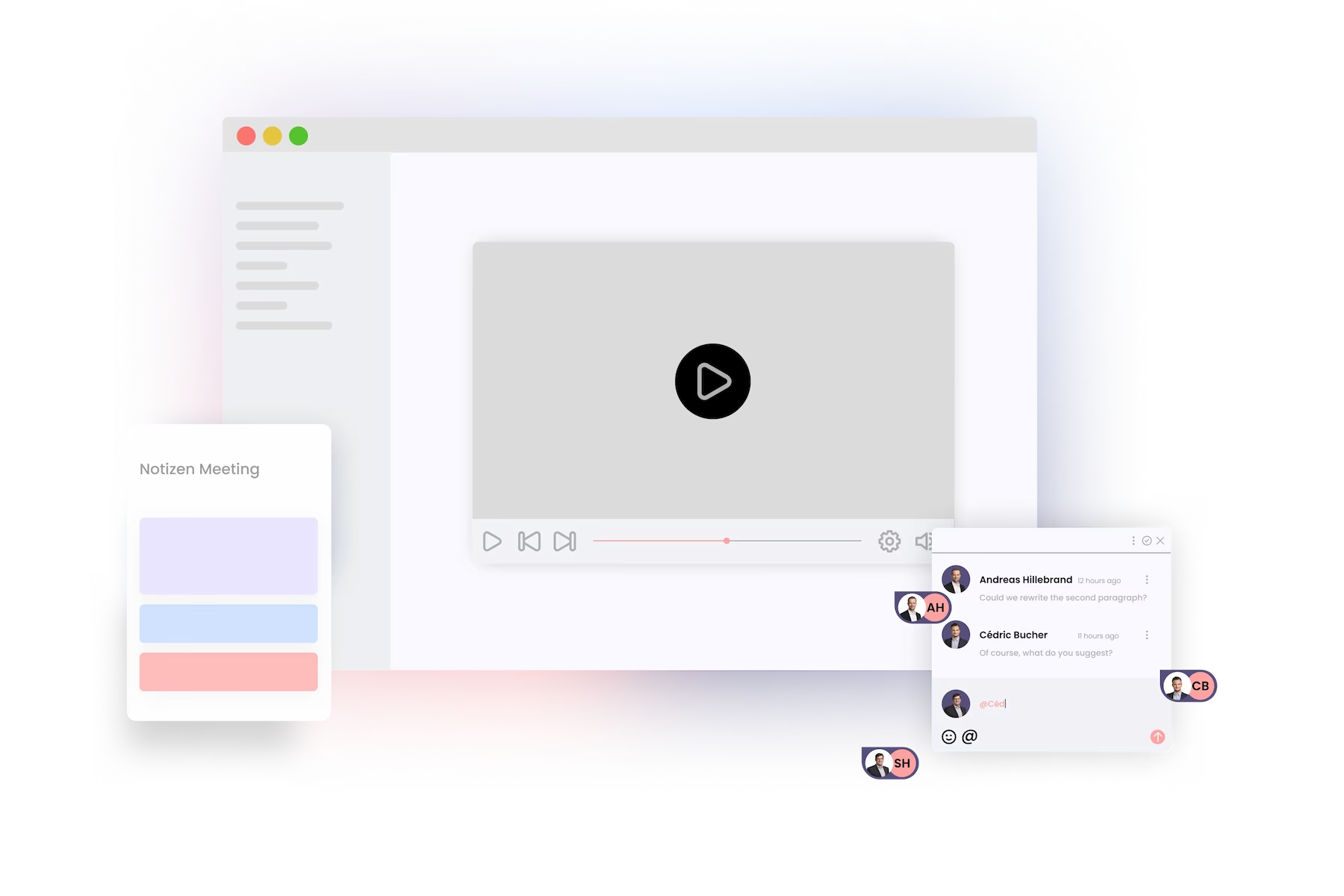
With the new comment function, you can not only comment on pages, but also assign comments to your colleagues, add a due date, mark comments as completed and start conversations. Thanks to the clear user interface, you can use the comment function like a pro right from the start.
To open the comment page, simply click on the speech bubbles in the top right corner. The number above the speech bubbles indicates the number of comments that have not been completed.

Once you have clicked on the speech bubbles, the comments page opens. You now have the option to write a new comment, reply to existing comments or react with emojis, complete a comment or search for comments using the search function.

Would you like more detailed information about the new comment feature? Then have a look at our YouTube channel now. Our expert Andreas explains everything you need to know.
Phonemos Tutorials
Our expert Andreas will explain to you how to use Phonemos efficiently so that you have the necessary skills to make optimal use of Phonemos.