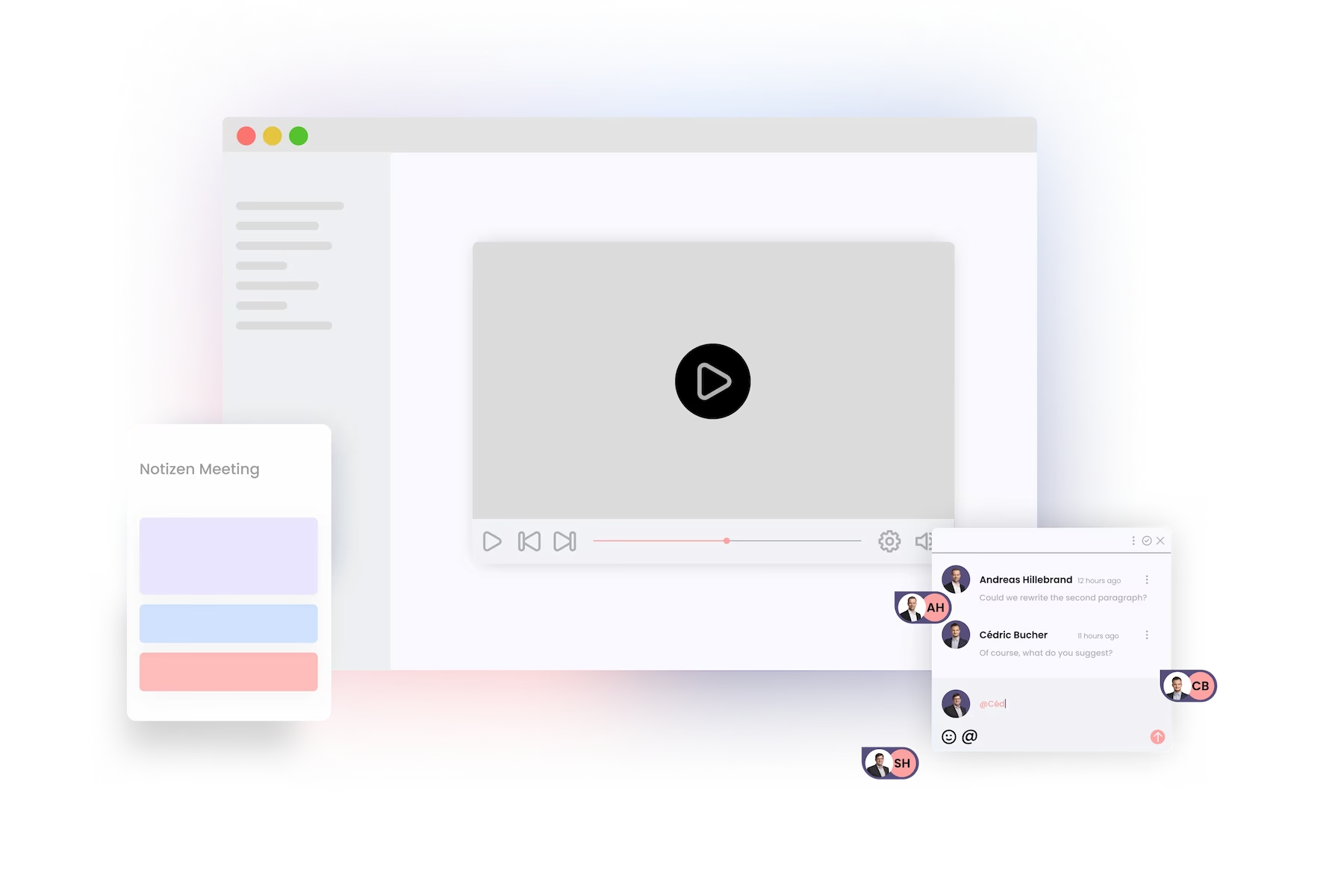
Each page is multilingual
Your team is multilingual, so it should also be your content management system.
Multilingual sites are natively supported by Phonemos. You don't need an external plugin and don't need to duplicate pages to get a translation.
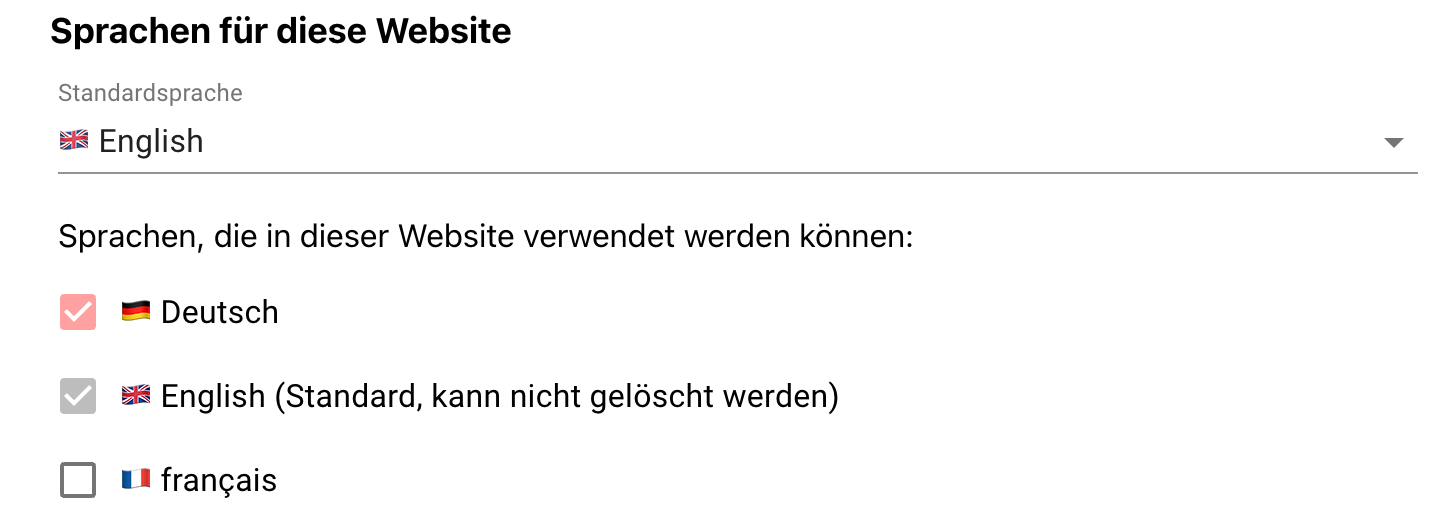
In the website settings, set the languages you want to use and define the default language.
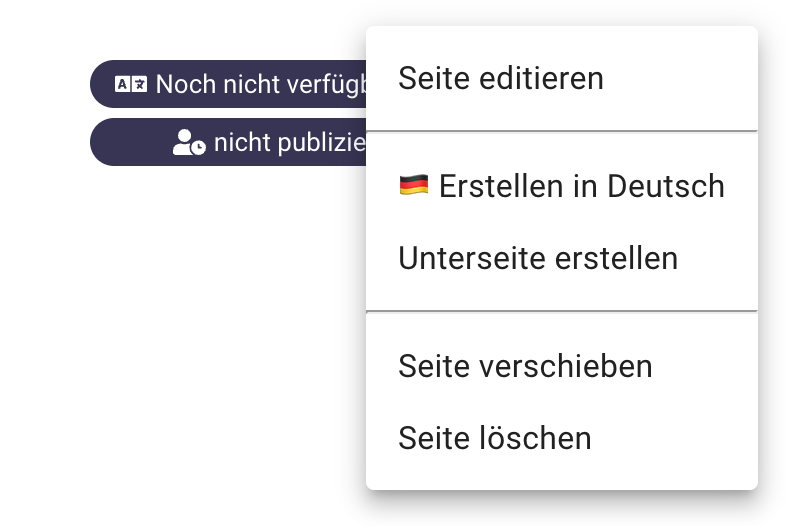
Once you've created a page, you can click on the field with the language you want to translate. And now your website is multilingual.
Phonemos Tutorials
Our expert Andreas will explain to you how to use Phonemos efficiently so that you have the necessary skills to make optimal use of Phonemos.