Announcements & Title Images for Pages
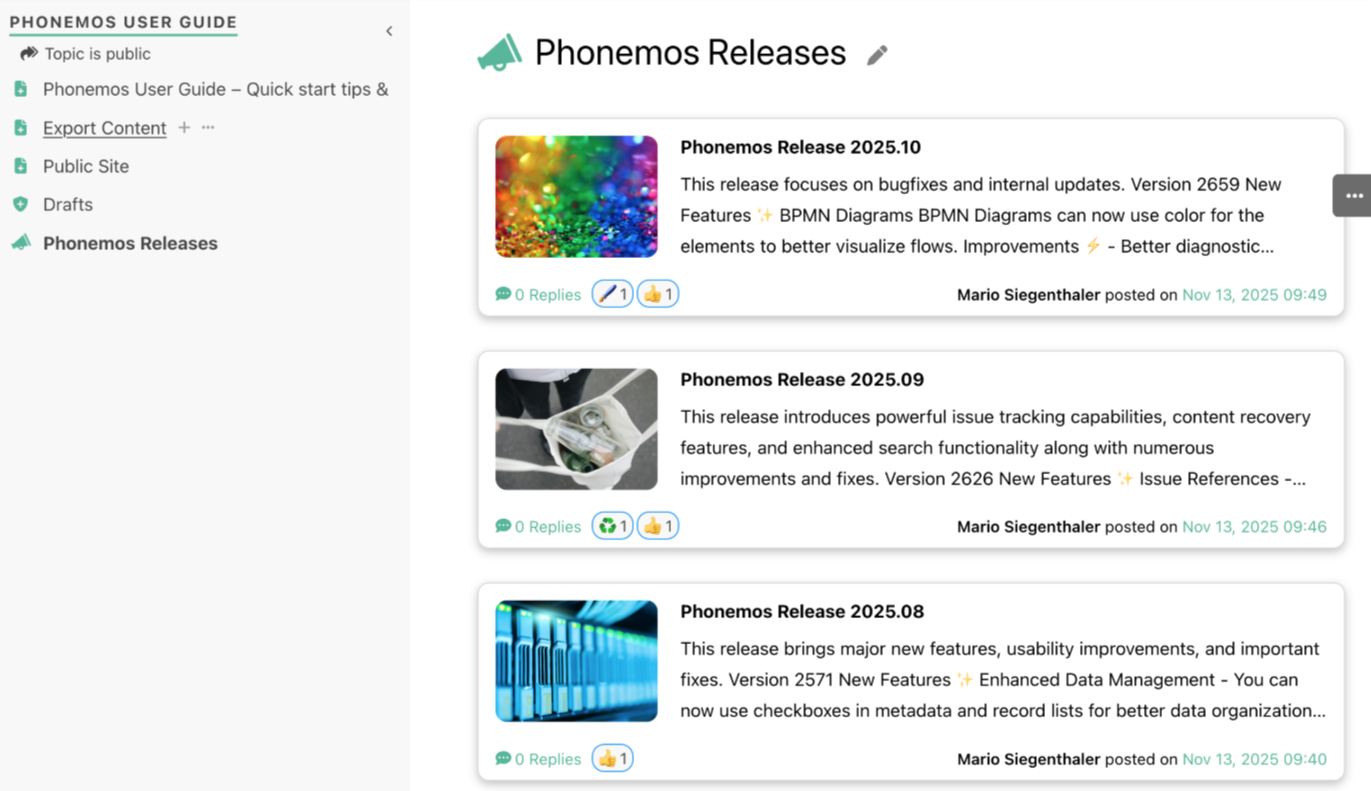
Phonemos now supports full-color announcements and custom cover images on every page. Select a stock image or upload your own image.
With this update, Phonemos brings more color and expression to your content.
From now on, you can announcements add and a cover photo Set. The image can either be selected from an integrated stock library or you can simply upload your own.
Here's how it works:
Click on the Page title to edit it, a small one appears just below image icon, which allows you to choose your cover photo.
This function is set to all sides and makes it easier to highlight important topics or set visual accents.

Phonemos Tutorials
Our expert Andreas will explain to you how to use Phonemos efficiently so that you have the necessary skills to make optimal use of Phonemos.